QR code generator
QR Studio
Turn a link, Wi-Fi network, contact card, email, phone number or text message into a scannable code — styled your way, downloaded in seconds.
If QR Studio saved you some time
No account needed on your end — just open your banking or e-wallet app, scan whichever code below matches it, and send whatever feels right. Thank you!
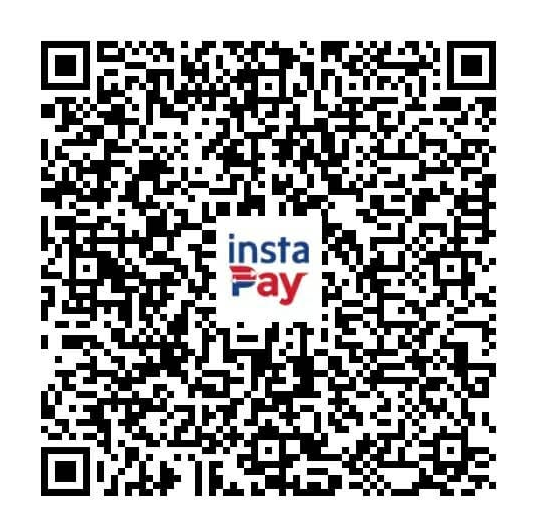
Alpie Ruiz
@pheng
+63 *** *** 4337
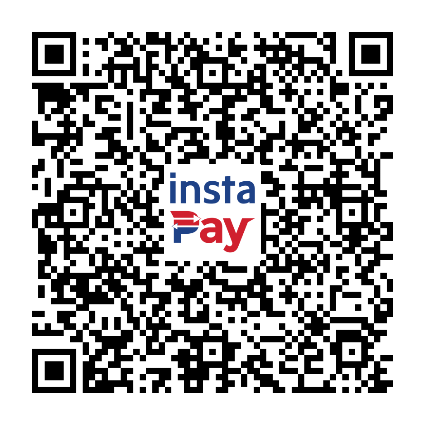
pheng
AL••E ME•••O RU•Z
•••••••••375
AL**E R.
+63 922 994 ****
ID •••••••••WDZ0E1
Step 1Choose a type
Letters, numbers, hyphens and underscores. Leave blank for a random one.
It turns into a link that stops working after that time.
Step 2Style it
Level M · ~15% recovery if the code is damaged
Error correction is locked to H while a logo is set, so the code keeps scanning with the center covered.
Step 3Preview & download
Link / TextFrom idea to scannable code in four steps
Nothing to install, nothing to sign up for — everything above updates live as you type.
Pick what it should do
Choose Link/Text, Wi-Fi, Contact card, Email, Phone or Text message from the tabs above.
Fill in the details
Paste a link, type a message, or enter Wi-Fi and contact info. The code redraws instantly as you go.
Make it yours
Adjust size and error correction, pick your own colors or a transparent background, and drop a logo in the center.
Save and share
Download as a crisp PNG or a scalable SVG for print — or turn a link into one that expires on a date you choose.
Six kinds of QR codes, one tool
Each type builds the exact format phones already know how to read.
Link or text
Send people to a website, or show a plain message when they scan it.
Wi-Fi network
Guests join your network by scanning — no typing a password, no spelling it out loud.
Contact card
Share your name, phone, email and company in one scan — saved straight into their contacts.
Pre-fill a recipient, subject and message so scanning opens an email ready to send.
Phone number
One scan starts a call — handy on posters, business cards, or a storefront window.
Text message
Pre-fill an SMS to a number, with a message already typed in for them.
A few things worth explaining
Is my content stored anywhere?
No. Every code is generated right in your browser. The only network call this page ever makes is to create an expiring link, if you turn that on — and even then, only the destination URL and its expiration date are stored.
What does error correction do?
It lets a code keep scanning even if part of it is dirty, torn, or covered — like by a logo. Higher levels recover more damage but make the code slightly denser.
Why add a logo?
It helps people recognize the code as yours on posters, packaging or business cards. QR Studio automatically raises error correction to its strongest level so the code keeps working with the center covered.
Do the QR codes themselves expire?
Only if you turn on "Add expiration" — it's available for every type now. For Link/Text, Email, Phone and Text message, the code turns into a link that stops redirecting after the date you pick. For Wi-Fi and Contact card, it turns into a link to a page with the network details (or a downloadable contact card) instead of the raw one-scan format, so it can be cut off the same way. Leave it off and the code is encoded directly with nothing to expire.
PNG or SVG — which should I use?
PNG is a fixed-size image, perfect for screens or quick prints. SVG is vector — it scales to any size, even a billboard, without losing sharpness.
Will it still scan with my colors?
Keep good contrast between foreground and background and it'll scan fine. Very light foregrounds or very similar colors can make it harder for some scanners to read.